


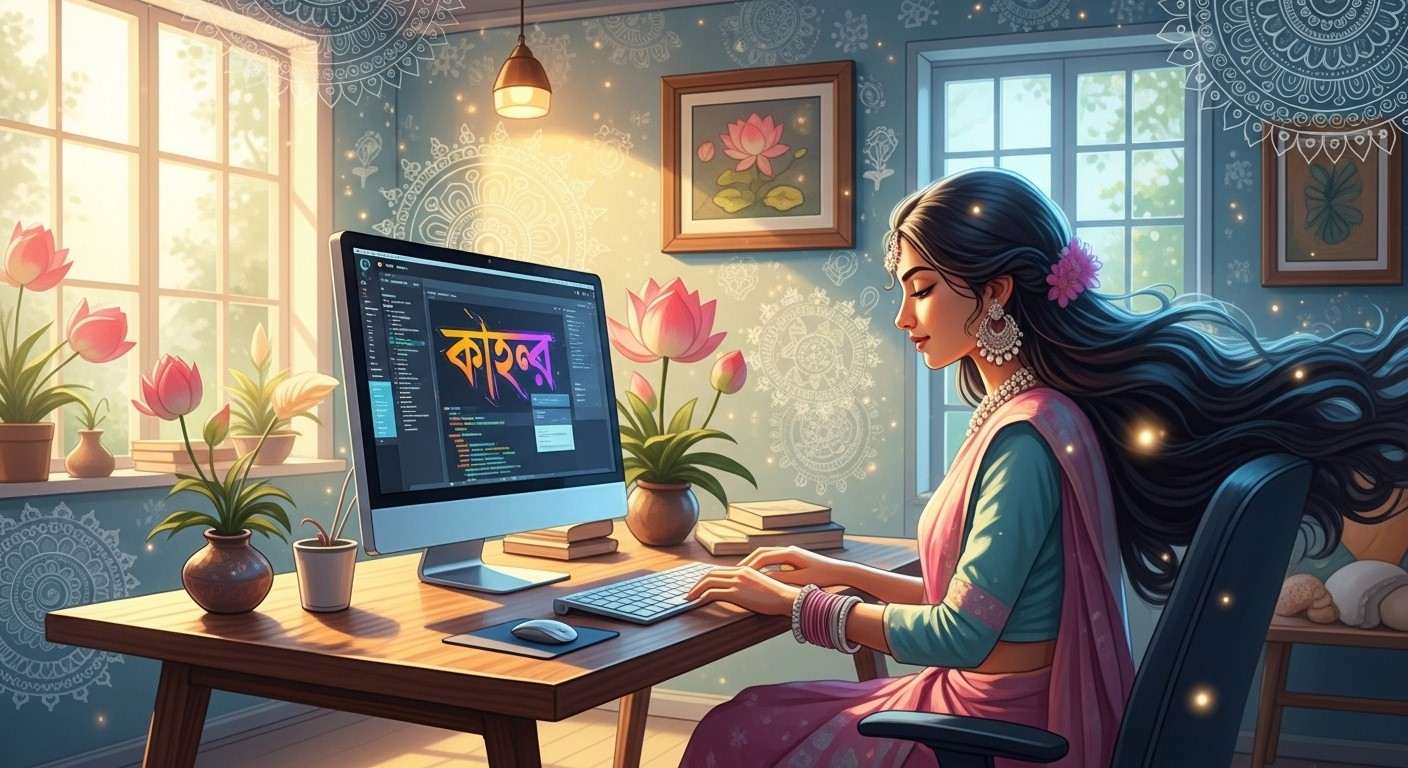
In today’s fast-paced digital era, wonderfully blending our deep-rooted traditions with modern technology allows us to express our truest selves. Writing in our native languages on digital devices is no longer a complex task but a beautiful bridge to our heritage. Bengali, a language rich in literature and emotion, has rightfully claimed its space in the modern digital landscape. For those of us who hold our cultural values close to our hearts while appreciating the undeniable convenience of modern tech, learning how to generate digital Bangla text is incredibly empowering. This heartfelt guide will walk you through the simple steps and wonderful tools that make expressing yourself in Bangla completely effortless.
Understanding the Beauty of the Bengali Script
Before you begin your digital typing journey, taking a moment to truly appreciate the Bengali alphabet is deeply rewarding. The traditional Bangla script functions as an abugida, a fascinating system where every single consonant carries an inherent vowel sound. Getting familiar with this basic structure will greatly help you grasp how digital text generation works. Our unique script beautifully flows from left to right and thoughtfully avoids the concept of uppercase or lowercase letters found in Western languages. It holds immense cultural and spiritual significance, reminding us of our glorious history while playing a vital role in our everyday modern communication.
Top Software for Typing Bangla on Your PC
We are truly blessed with several outstanding software options that make creating Bengali text on a personal computer an absolute breeze. Whether you are writing a heartfelt email to family or drafting a professional document, these tools are highly recommended:
- Avro Keyboard: This is a completely free and universally loved application specifically designed for Windows users. It beautifully simplifies multilingual text generation by allowing you to use phonetic English input to create authentic Bangla words, which is an absolute blessing for individuals who might not be fully accustomed to traditional physical layouts. It perfectly combines accessibility, incredible typing speed, and thoughtful customization within a surprisingly lightweight and easy-to-use package.
- Borno – A FREE Bangla Typing Software: This fantastic free utility for Windows comes equipped with both fixed and phonetic keyboard layouts, catering to all personal preferences. It thoughtfully includes a unique layout creator and maintains strict compatibility with the latest version of Unicode. Borno remains wonderfully lightweight and unobtrusive, ensuring your computer runs smoothly while you type seamlessly.
- Bijoy Bayanno: Recognized as a classic and reliable system utility, this software empowers users by enabling the direct, uninterrupted typing of beautiful Bangla characters. It comes packed with rich, culturally authentic Bengali fonts that are entirely compatible with modern Unicode standards, ensuring your text always looks perfectly traditional and beautifully formatted across all platforms.
- BanglaWord: A truly versatile and comprehensive application that perfectly blends easy typing features with advanced linguistic support, including a built-in dictionary. It also features highly innovative real-time speech and camera translation capabilities to aid your learning. Additionally, it offers a beautifully designed virtual keyboard for fast text entry and supports a magnificent variety of traditional regional fonts.
- Google Input Tools: As a highly versatile and globally recognized keyboard software, it offers incredibly robust support for multiple regional languages, including our beloved Bengali. It makes the transition between English and Bangla remarkably smooth and intuitive, allowing for uninterrupted creative expression and making it a favorite among busy professionals.
- Bengali Typing Master: This dedicated, thoughtful software is specifically designed to help users gently improve their typing speed and overall accuracy over time. It features wonderful interactive lessons, highly effective practice exercises, and comprehensive typing tests that transform the process of learning the script into a truly enjoyable and rewarding daily habit.
For those who prefer not to install heavy applications, you can effortlessly type online using intuitive browser tools like Easy Bengali Typing. These platforms utilize Google’s highly accurate typing software to ensure your text is fast, precise, and completely hassle-free.
Exploring Keyboard Layouts for Bengali
Different keyboard configurations beautifully assist you in crafting text in your mother tongue. The traditional Inscript layout is the recognized standard for Indian languages, though it gently requires a bit of dedicated practice to master. On the other hand, the phonetic layout is incredibly intuitive and highly recommended for beginners. Switching between these layouts on both Windows and MacOS is a wonderfully simple process once you follow the basic system settings. For those who write frequently, investing in a physical Bengali keyboard can be a deeply satisfying choice, providing a comforting tactile experience that naturally enhances your typing speed.
Simple Tips to Master Digital Bangla Writing
Gently improving your speed and precision when writing in Bangla simply comes down to consistent, mindful practice. Making it a daily habit will quickly familiarize you with the placement of characters and the flow of common words. Utilizing dedicated practice software can significantly boost your confidence and wonderfully minimize typographical errors. We highly recommend learning the phonetic spellings of your most frequently used cultural phrases to speed up your daily correspondence. Engaging in warm online community forums also allows you to practice naturally while receiving kind feedback from fellow native speakers. Patience is a beautiful virtue, and learning to digitally write a new script is a fulfilling journey that takes a little time.
The Ease of Copy-Pasting Bengali Text
Sometimes, simply copying and pasting existing text is the most straightforward solution. It is wonderfully easy to select, copy, and transfer Bengali quotes or messages across your favorite digital applications. Should you ever encounter minor font compatibility issues when pasting into different programs, simply ensure your document is set to a Unicode-supported font. Online text generators are also brilliant tools for quickly creating perfectly formatted text without needing to type it all out yourself. Always take a brief moment to proofread your pasted messages to ensure the formatting remains beautifully intact and culturally accurate.
How Poojn.in Supports Your Cultural Journey
As you beautifully embrace the convenience of technology to type your heartfelt messages, we at Poojn.in are always here to support the physical, deeply spiritual aspects of your cultural lifestyle. Please note that while we focus purely on offering tangible cultural goods—meaning we do not provide software tech support, travel packages, or VIP temple darshans—we take immense pride in bringing authentic, deeply rooted traditions straight to your lovely home.
If you are looking to enhance your connection to our heritage beyond the computer screen, we warmly invite you to explore our carefully curated collection at https://www.poojn.in. Our thoughtfully selected offerings include:
- Authentic Bengali Script Books: Absolutely perfect for offline learning, these beautiful books help you gracefully practice writing and reading our beloved language in its purest, most traditional physical form.
- Traditional Writing Tools: Elegantly crafted pens and culturally designed notebooks that make the physical act of writing a deeply emotional and beautifully nostalgic experience.
- Cultural Decor & Pooja Essentials: Magnificent items that wonderfully enhance your sacred pooja space or home office, constantly reminding you of our rich Indian heritage and bringing divine peace to your surroundings.
Embrace your roots with pride. For any warm assistance regarding our authentic cultural goods, please feel free to contact our dedicated team at 03369029784 or simply WhatsApp us at 9476142738. We are always honored to serve you.
Frequently Asked Questions Regarding Digital Bangla Writing
How can one write the Bengali alphabet on a personal computer?
Writing our lovely native script on a digital screen simply requires enabling a regional keyboard layout on your system. Alternatively, utilizing highly intuitive software that gracefully converts phonetic English inputs into traditional Bengali letters is a wonderful approach for those accustomed to standard Western keyboards.
What exactly is a Bengali alphabet keyboard?
This refers to a specific, thoughtfully designed digital or physical layout that assigns beautiful Bangla characters to your standard keys. By adjusting your computer’s language settings, you can completely transform your regular typing experience to effortlessly output authentic regional text.
Is it completely possible to copy-paste regional text between different documents?
Absolutely, you can effortlessly copy and paste your beautifully typed text just like any other standard digital content. Simply select the heartfelt words you wish to duplicate, use the standard copy function, and paste them into your desired application or family WhatsApp group.
Does typing in Bangla require purchasing expensive special software?
Not at all. While you do need specific tools, most modern operating systems have brilliant built-in support for our language that is completely free to enable. Furthermore, incredible applications like Avro and Borno are wonderfully accessible and cost absolutely nothing to download.
Is it possible to generate authentic text using a standard English keyboard?
Yes, it is beautifully simple to do so by utilizing transliteration software or intuitive online tools. These wonderful platforms seamlessly convert your phonetic English keystrokes (like typing “kemon”) into the correct and authentic Bangla script, bridging the gap between two worlds.
Where exactly are the language settings located on a standard computer?
You can easily find and enable these beautiful regional layouts within your computer’s primary system settings. Simply navigate to the “Time & Language” or “Keyboard Preferences” section in your control panel, and warmly add Bengali as your preferred language option.
Can we also enjoy typing in our native language on smartphones and tablets?
Yes, staying connected to your roots on the go is wonderfully easy. By simply downloading a trusted, high-quality keyboard app from your device’s store, you can effortlessly switch between multiple languages and share your cultural pride from the palm of your hand.